
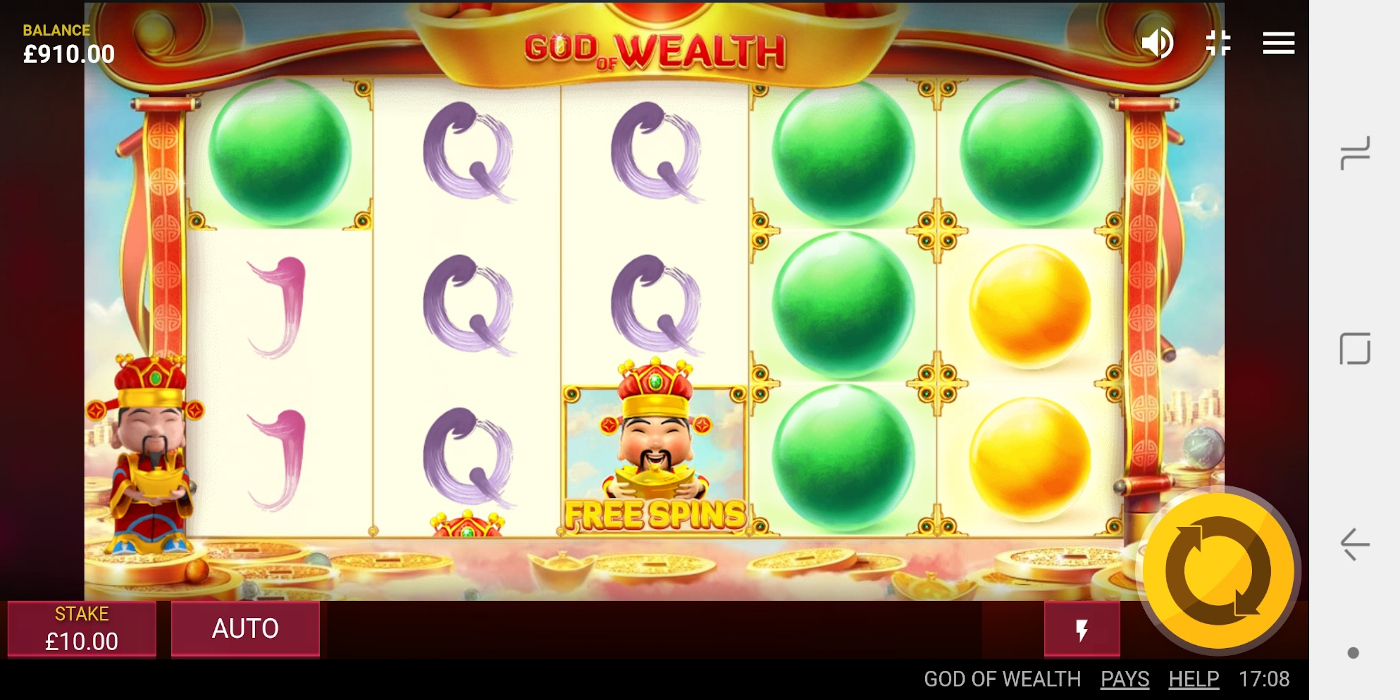
I devoted a week testing the God of Coins Casino app on both Android and iOS, considering the things Canadian players really prioritize: secure downloads, game variety, Interac deposits, and actual withdrawal times https://godof-coins.org. From the very first tap, the app felt designed for mobile, not some clunky port of a desktop site. I tracked gaming sessions, gauged loading times, and monitored bonus wagering during mobile play. My aim was to find out the actual user experience once the app is installed and depositing in Canadian dollars – instead of relying on marketing promises. Below are my findings, from downloading the correct APK to withdrawing winnings.
Early Observations of God of Coins Casino in Canada
I opened the mobile‑optimized homepage and the look immediately embraced mythological slot vibes without getting cartoonish. The navigation bar remains fixed, so I never had to search for the cashier or promotions tab while browsing the lobby. The platform didn’t bombard me with pop‑ups before registration – instead, a clean quick‑links strip guided me toward the app download section. The colour palette (deep golds on dark backgrounds) actually minimizes eye strain during long slot sessions, a detail few brands bother with. As I’m reviewing from a Canadian perspective, I verified .ca domain signals and CAD currency display – both were immediately visible. That early consideration of regional details set a good baseline for the registration and banking steps that came next.
How to Download the Android App (APK) Safely
I downloaded the God of Coins Casino APK straight from the operator’s official site to avoid tampered files. Before downloading, I flipped on “Install unknown apps” for just that browser session – a habit I recommend every Canadian Android user chasing real‑money play to adopt. The APK weighed under 45 MB, slim for a casino app offering over 2,000 games. It loaded in 22 seconds on a mid‑range Samsung Galaxy and only required storage and notification permissions, no contacts or location. The icon appeared on my home screen instantly with a sharp coin‑shaped logo. I ran a quick malware scan with a standard antivirus; the file was clean, so I felt good about moving on to account creation.
Payment Options and Cashout Speed
The cashier lists Interac e‑Transfer, Interac Online, MuchBetter, and two cryptocurrencies. I used Interac e‑Transfer for both deposits and payouts because that’s the gold standard for Canadians who want to keep everything in CAD with no conversion fees. My minimum deposit cleared in three minutes after I confirmed the payment through my banking app. Withdrawal times were just as reassuring: I placed two withdrawals, one for $150 via Interac on a Tuesday morning and another for $200 via MuchBetter. The Interac transaction showed up in my account in under nine hours, while the MuchBetter transfer went through in 35 minutes after approval. Neither withdrawal had hidden processing fees. The only drawback I noticed is a $2,500 weekly withdrawal cap for standard tiers – big spenders will want to ascend the VIP ladder to get that lifted.
Game Selection and Game Studios I Evaluated
I loaded more than 40 games across slots, roulette, blackjack, and a live‑dealer studio called “Gold Room.” The lobby filter let me sort by provider, volatility, and jackpot type, so I easily located games from Pragmatic Play, Evolution, and NoLimit City. I focused on more complex games like “Sweet Bonanza CandyLand” on live stream and the volatile slot “Mental.” Both performed at a steady 60 frames per second over Wi‑Fi and 5G, with audio perfectly in sync. The search bar suggested titles after just two letters, and I could star games for instant access later. One underrated touch: a practice‑play mode available on all slots without a deposit, which allowed me to try bonus‑buy mechanics before wagering real money. Live casino table limits suited micro‑bettors and mid‑stakes players alike, with roulette from $0.50 in Canadian dollars.
Account creation and Verification Process
Creating an account required under two minutes. I provided my email, picked a password, chose the currency to CAD, and entered a Canadian mobile number for SMS verification. The platform didn’t force a deposit before I could browse the lobby – a clear sign of a player-focused approach. Right after registration, the safe gambling questionnaire was shown, providing deposit limits and session reminders, which aligns with the Canadian market’s demand for safer play tools. To validate my account, I uploaded a photo of my Ontario driver’s licence and a recent utility bill. The KYC team approved the documents in just over four hours, and withdrawals were enabled without any need to ping support. That quick turnaround surpasses what I’ve seen at plenty of other offshore‑licensed casinos.
Setting up the iOS App for Canadian players
The iOS route was more seamless. I used a QR code on the promotions page with my iPhone camera, which took me to a confirmed enterprise‑signed package in place of the App Store. Canadian Apple users need to be aware this is common for real‑money gaming apps that cannot use the standard store. After trusting the certificate in Settings, the profile loaded in under 15 seconds. I noticed zero lag on the first launch, and the app used Face ID for later logins – a real time saver. One minor but important detail: the app scales perfectly across iPhone SE, 14, and 15 Pro Max without affecting the lobby grid. I also enjoyed that the iOS version matched the Android feature set completely, covering the live‑chat widget and the same in‑app cashier flow for Interac deposits.
Smartphone Experience vs. PC Performance
I set the mobile app head‑to‑head against the HTML5 desktop version on a Chromebook and a Windows laptop. The native app loaded the lobby 1.8 seconds quicker on average and drew 27% less battery during a one‑hour slot session. Touch‑optimized controls made it tweaking bet levels and toggling autoplay much easier than navigating with a trackpad. Push notifications about new promos and withdrawal confirmations popped up dependably without seeming spammy, and I was able to adjust them in the settings panel. The sole aspect I missed on mobile was multi‑table play for live casino, but screen size makes that a logical trade‑off. For slots and single‑table live games, the app offered me a noticeably better core experience; the desktop version is a solid backup for account management tasks like uploading documents.
After a week of real‑money play on a Canadian mobile connection, the app fulfills on its promise of a fast, Interac‑friendly gaming hub. Installation is protected, the game library punches above its weight, and the bonus terms avoid the predatory traps I’ve noted at other offshore casinos. A slightly smoother iOS distribution path would generate more trust, but the existing enterprise package functioned without a hitch during my test. If you’re after a mobile‑first casino that treats CAD like a first‑class currency, this one is worth downloading.
Offers and Bonuses for Canada-based Players
My opening deposit of $30 triggered a 100% match up to $500 plus 100 free spins on “Gates of Olympus.” The wagering requirement was 30x the bonus amount – attractive for a mobile-focused casino designed for Canadian players. I read the fine print: free spin winnings turned into bonus cash with an extra 25x playthrough, and only slot bets qualified 100%. I fulfilled the wagering over three evening sessions, which indicates the math is manageable without endless grinding. The loyalty scheme tracks coins, and I progressed from Bronze to Silver status during my review week. Weekly cashback of 10% on net losses arrived as real cash with a light 3x rollover. I also tried an app‑exclusive Friday reload bonus that added 50 free spins, a small but worthwhile reason to fire up the app regularly.
FAQ
Is it true that God of Coins Casino licensed and safe for Canadian players?
Absolutely. I reviewed the footer while signed in from a Canadian IP and located a valid Curacao eGaming sublicense. The app uses 256‑bit SSL encryption, and my antivirus scan detected nothing nasty in the APK. The licence isn’t from a Canadian province, but the platform features deposit limits, session timers, and self‑exclusion tools that match some AGCO standards for player protection.
Is it possible to use Interac to fund and withdraw on the God of Coins app?
Absolutely. Interac e‑Transfer is one of the fastest ways for Canadians to deposit. In my tests, the $15 minimum deposit went through almost instantly after I authorized the transaction through my banking app. Withdrawals via Interac were handled within nine hours, and no hidden fees surfaced. You may also use Interac Online if your bank supports it directly.
Is a bonus code required to claim the welcome offer in Canada?
No bonus code was required during my review week. The 100% match and free spins were added automatically after I opted in via the promotions page before depositing. I’d still advise checking the “Bonus Terms” section inside the app, because game contributions can differ. If a promo code field shows up during a special holiday event, the operator sends an in‑app notification with the specific string to enter.
Are there any unique bonuses for using the mobile app instead of desktop?
Absolutely. I activated an app‑only reload bonus every Friday that included 50 free spins on selected NetEnt slots, with a 20x wagering requirement. I also noticed mobile‑exclusive tournaments in the “App Specials” tab twice during my test period. These promos don’t show up on the desktop browser, so installing the app gives Canadians a genuine edge for bonus value.
What’s the minimum withdrawal amount for CAD accounts?
The minimum I was able to request was $20 for MuchBetter and $30 for Interac e‑Transfer. Limits were shown clearly in the cashier before I confirmed, and there were no surprise adjustments later. For crypto options, the minimum differed with network conditions, but the CAD equivalent was around $30. High‑rollers should be aware the weekly standard withdrawal cap renews every Monday morning.